
"Human in the loop" has become one of those phrases that sounds like governance and often means a confirm button. The AI does the work, a person clicks accept, and everyone agrees a human was involved.
That is fine when the output is a product description. It is not fine when the output is an allegation letter, a clinical note or a funding decision. For work with real consequences, the line between what the AI does and what a person decides has to be designed, step by step, before anything is built.
We had to draw that line on every workflow in Nooma, the AI practice companion we designed and built with O-HR for Australian HR practitioners. Nooma walks practitioners through workplace investigations, performance processes and restructures. Here is how we approached it, and a test you can apply to your own product.
Every Nooma workflow began as a practice document written by an experienced HR leader, not a feature request. The workplace investigation procedure, for example, runs to twelve steps, from receiving the complaint through to closing it. Each step carries the same three things: guidance the practitioner needs to know, tasks they have to complete, and documents that must exist afterwards.
That structure became the interface. Chat carries the guidance. The task panel carries the work. The canvas and document library carry the record. Starting from the practice meant the AI was fitted to the job, rather than the job being bent around what a chat window does well.
Across the platform, the AI does three things: it generates, it surfaces and it structures. It drafts correspondence, pulls the relevant guidance forward, and organises the case record. What it cannot do is initiate, progress or complete a workflow on its own. Every step waits for explicit human action.
The clearest example is the evidence matrix in an investigation. The AI drafts it from the case record. The practitioner then reviews it, edits it and locks it. The platform helps make sense of evidence. It never rules on its value or accuracy.
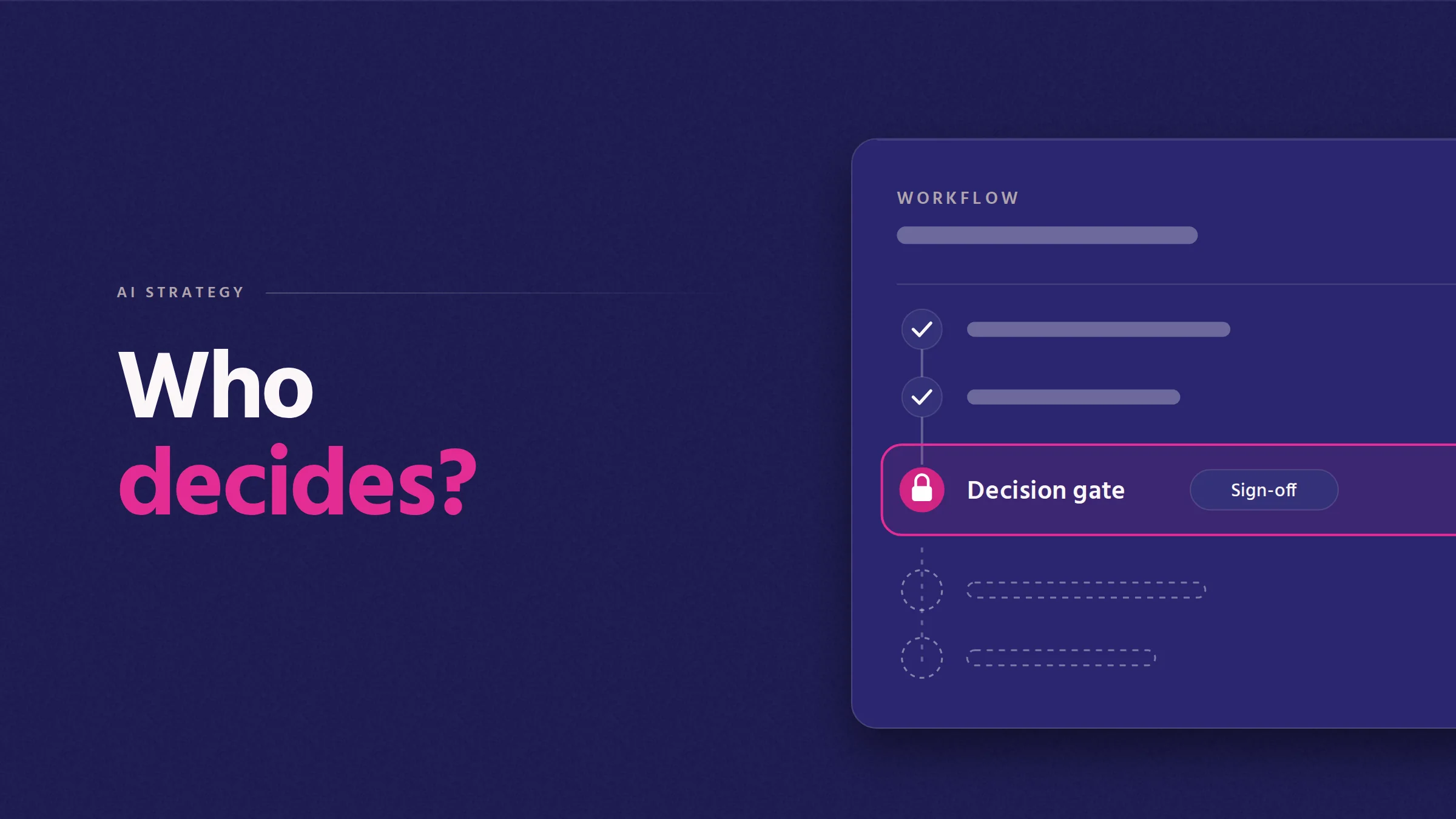
A decision point only means something if the system enforces it. In Nooma, decision gates are a hard stop:
Decisions are recorded at the moment they are made, in a record that can't be edited afterwards. Visibility is enforced in the permission layer by role, seniority and remit, not hidden in the interface. That is the difference between a gate and a button: you cannot route around it.
The work was reviewed as it went by an Industry Council of senior HR leaders. Their most useful contribution was often telling us where AI should not be used at all. Independent bias testing ran alongside, with students from the University of Sydney and the University of Melbourne and O-HR's in-house responsible AI analyst.
Every specialist field has people who know where the judgement sits. Bring them in before the build, and give them permission to say no.
Two further constraints did a lot of quiet work. Retrieval is bounded to a governed corpus: Australian employment law and regulation, lawyer-verified templates, and the organisation's own uploaded documents. There is no open web and no path outside that scope. And personal information is optional. Identifier fields can hold employee numbers instead of names, so personally identifiable information need never enter the AI processing layer.
For each step where AI is involved, answer four questions before you design the interface:
One more reason to take this seriously: a human in the final step does not automatically put a workflow outside Australia's new automated decision-making transparency rules if AI shapes what that person sees. We cover that in what changes on 10 December 2026.
Read the full Nooma case study, or see how we approach AI in specialist work.
Book a free 30-minute call. We'll talk through what you're working on, what we'd do, and whether we should partner. No pitch deck, no PDF brochure.

Software that holds up under real use.

© 2026 Castle Digital Pty Ltd. All rights reserved.