
Part of our guide to moving beyond no-code
Google AI Studio’s free tier looks like a quick fix when no-code tools start choking your MVP. But the freebies come with strings: quotas, rate limits, and data handling rules that trip up most founders sooner than later. If you’re ready to validate AI features fast without painting yourself into a corner, it’s time to know exactly when to use Google AI Studio free and when it’s time to move on. You can try it at Google AI Studio.
You're diving into Google AI Studio to supercharge your MVP, but what does "free" really mean here?
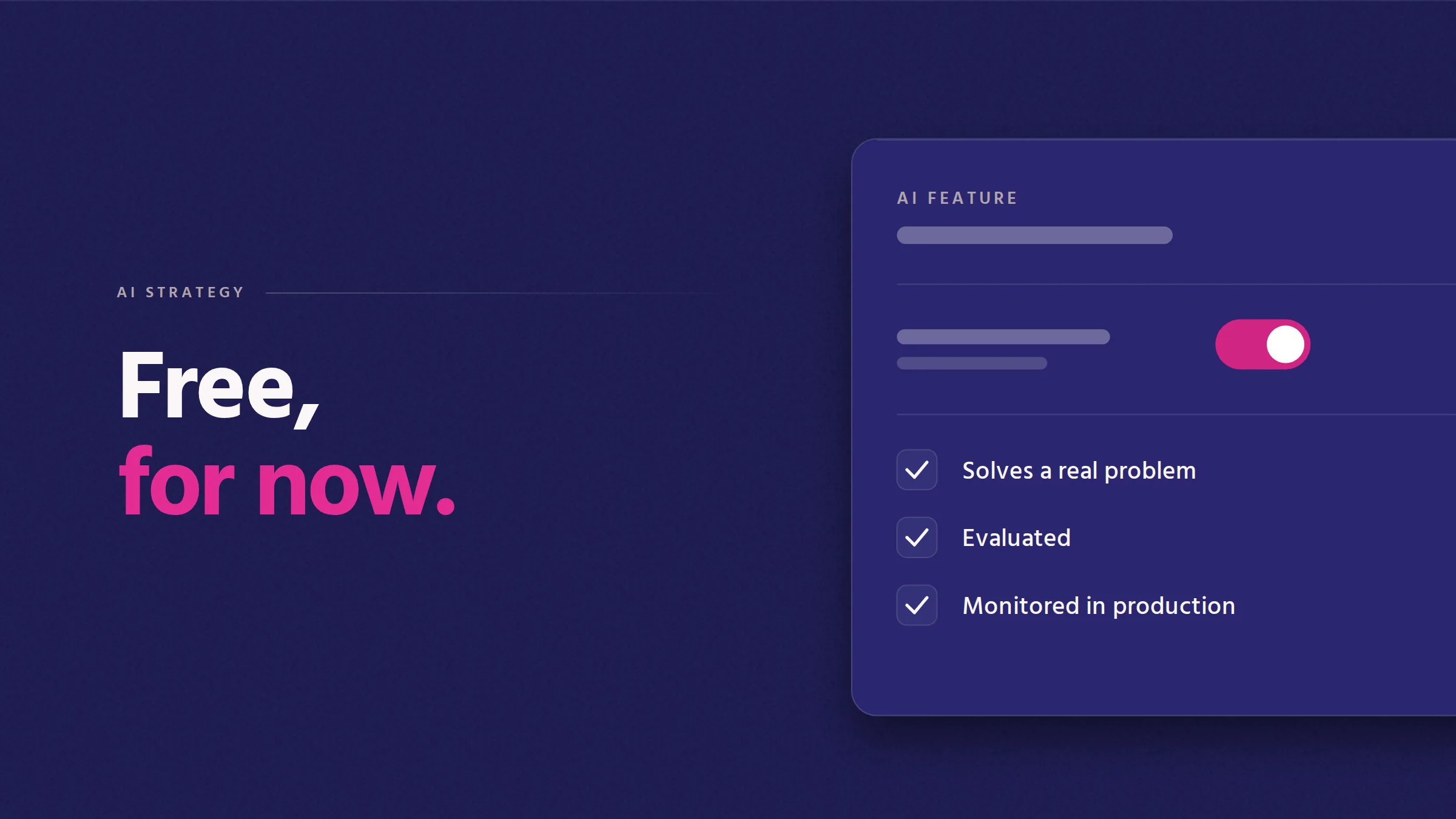
Google AI Studio's free tier offers a solid starting point for testing AI features without upfront costs. You get access to basic tools and models, ideal for initial experiments. It's a chance to explore AI capabilities without financial risk.
However, the free tier is not limitless. Its appeal lies in the ability to experiment and understand AI's potential for your product. Yet, it's crucial to remember that this is a sandbox environment. While you can test and validate ideas, scaling them may introduce new challenges. It's about balancing your immediate needs with future growth expectations.
The free tier, while helpful, comes with its set of constraints. You'll face limitations in terms of quota and computational power. These restrictions are designed to encourage subscription upgrades for more extensive use.
These limitations mean you might hit a wall sooner than expected. As your demands grow, so will the need for resources. Understanding these limits helps set realistic expectations. It's not about discouraging use, but rather planning your next steps wisely.
Deciding when to stick with Google AI Studio or move on depends on your project's evolution. If you're still validating concepts, the free tier is invaluable. It offers a low-risk platform for experimentation.
Once you see traction and need to scale, it might be time to consider other options. Knowing when to make this transition can save you time and resources, ensuring your project doesn't stall due to unexpected limitations.
Constraints in Google AI Studio can feel like a roadblock, but understanding them helps navigate effectively.
Quotas and rate limits are in place to manage resource allocation. They restrict the volume of requests and data processing within a given timeframe. This ensures fair usage but can impact projects needing more extensive processing.
When your project exceeds these limits, it can slow down progress. It's crucial to monitor usage closely. If your project consistently hits these limits, it might be time to explore paid options or alternative platforms. Keeping a close eye on these metrics helps prevent unexpected slowdowns.
Data handling and intellectual property (IP) concerns are critical when using AI platforms. Google AI Studio has specific data policies, which are important to understand when dealing with sensitive information.
If your project involves handling confidential data, ensure compliance with Google’s policies. Missteps here can lead to data privacy issues. It's about being cautious and informed so you can protect your data and IP effectively. Proper understanding of these policies safeguards your project’s integrity.
The Gemini API's free tier provides additional insights into data handling and AI capabilities. However, like Google AI Studio, it comes with its own set of constraints.
Exploring these insights helps determine if the Gemini API aligns with your project needs. The Gemini API documentation covers the details. Understanding these nuances aids in making informed decisions about integrating Gemini into your workflow. It's an opportunity to use its strengths while being mindful of its limitations.
Moving beyond no-code tools means embracing change and addressing new challenges head-on.
In AI prototyping, avoid pitfalls like over-reliance on no-code solutions. These can restrict your project's scalability and flexibility. Prototyping is about exploring possibilities, not just sticking to what’s familiar.
Focus on building a robust foundation from the start. This approach ensures your project can evolve without hitting roadblocks. It’s about anticipating future needs and designing with growth in mind. Avoiding these patterns prevents common pitfalls in AI development.
Transitioning from MVP to a production environment involves tackling several challenges. This stage demands more robust architecture, capable of handling increased user demands.
You'll need to reassess your tech stack and consider integrating more scalable solutions. This is where platforms like Vertex AI come in. The migration process should be strategic, ensuring a smooth transition without disrupting user experience.
Choosing between Vertex AI and Google AI Studio depends on your project’s needs. Vertex AI offers more advanced features and scalability, suitable for projects ready to step up from the free tier.
Google AI Studio remains a great starting point, but as your project grows, Vertex AI provides the robust infrastructure needed for production-level applications. It's about aligning your platform choice with your project’s growth trajectory. This decision can significantly impact your project's success.
For the architecture side, see how to add AI without piling on tech debt. And before you build anything, separate the demos from the features users will actually use. If you want to talk through where AI fits in your product, book a free 30-minute call.
Is Google AI Studio free?
Google AI Studio offers a free tier, allowing you to experiment with AI features without initial costs. However, it comes with usage limits that might require upgrading as your project grows.
What are the limitations of Google AI Studio's free tier?
The free tier has quotas on data processing and computational power. These limits ensure fair use but can restrict projects that require more extensive processing capabilities.
When should I switch from Google AI Studio to another platform?
Consider switching when your project consistently hits resource limits or when you need more features than the free tier provides. Transitioning to platforms like Vertex AI might offer the scalability you need.
How does the Gemini API compare to Google AI Studio?
The Gemini API provides additional data handling insights but also comes with its constraints. It can be a valuable addition if your project aligns with its capabilities, especially for data-intensive tasks.
What are common pitfalls to avoid in AI prototyping?
Avoid relying too heavily on no-code solutions, as they can limit scalability. Focus on building a flexible, robust foundation that can evolve with your project’s needs.
Book a free 30-minute call. We'll talk through what you're working on, what we'd do, and whether we should partner. No pitch deck, no PDF brochure.

Software that holds up under real use.

© 2026 Castle Digital Pty Ltd. All rights reserved.